7 min read
What Your Photos Reveal About You: EXIF, Location, and Privacy
A photo can carry more than pixels. Learn what EXIF metadata reveals, how to check location data, and how to prepare a more private copy before sharing.
Read articleConvert JPEG to JPG instantly in your browser. For many use cases, changing the file extension is all you need.
Your files stay on your device. No upload, no re-encoding - just the same image with a .jpg filename.
This tool is for filename compatibility. For resizing, compression, editing, or true format conversion, use a real image tool.
Your JPEG files stay in the browser for this rename-and-download workflow.
Add multiple .jpeg files, review the queue, and download each one or all at once.
The image bytes are not re-encoded, so this tool does not promise a deeper format transformation.
Useful when a site, form, or workflow simply needs the .jpg extension.
Drop one or more .jpeg files below, review the new .jpg filenames, and download the results right away. Everything happens in the browser.
Select multiple files or drag them into the drop area.
or choose files from your device
This converter accepts files ending in .jpeg. The download will use the same image data with a .jpg filename.
This browser-based JPEG to JPG converter prepares a local download with the .jpg extension. It does not upload or re-encode your files.
In most everyday cases, .jpeg and .jpg refer to the same image format. The difference is often just the file extension.
It prepares a download with the .jpg extension instead of .jpeg. That can help when a website, form, script, or workflow expects .jpg specifically.
It does not resize the image, recompress it, edit it, strip metadata, or turn it into another true image format like PNG or WebP.
In many cases, the issue is filename compatibility, not image processing. When that is all you need, a browser-based tool is often the faster and more private option.
JPEG and JPG are closely related in practice, but some systems are not flexible. They check the file extension and only accept .jpg.
If the goal is just to match a required extension, uploading files to a server is often unnecessary. A browser-based tool keeps the task local and focused on the filename change you actually need.
This tool is meant for ordinary compatibility problems, not for advanced image editing. These are the situations where it tends to help most.
Some forms or older validation rules only recognize .jpg filenames.
Media workflows sometimes standardize on .jpg even when the image came as .jpeg.
Import jobs, file matchers, and custom tooling may expect one extension consistently.
Rename many files at once when a folder of images needs the same .jpg convention.
Keep the rename step in the browser when you do not need a server-side conversion pipeline.
Handle a quick JPEG to JPG compatibility issue without installing desktop software.
It only takes a few simple steps to fix .jpg compatibility issues right in your browser.
Use the file picker or drag files into the drop area.
See each original filename, the new .jpg filename, and the file size.
Choose per-file download or start a batch download for everything in the list.
The image content stays the same; the downloaded filename uses the .jpg extension.
Both approaches can be valid, but they solve slightly different problems. The right choice depends on whether you need compatibility-only renaming or true image processing.
| What matters | This tool | Typical online converter |
|---|---|---|
Where files go | Stay in your browser | Usually uploaded first |
Speed | Fast local rename and download | Usually adds upload and processing time |
Best use case | Changing .jpeg to .jpg for compatibility | Resizing, compression, or real format changes |
Image processing depth | No re-encoding | Often re-encodes or transforms the image |
Privacy profile | No server upload for the rename step | Depends on the service |
Stay in your browser
Usually uploaded first
Fast local rename and download
Usually adds upload and processing time
Changing .jpeg to .jpg for compatibility
Resizing, compression, or real format changes
No re-encoding
Often re-encodes or transforms the image
No server upload for the rename step
Depends on the service
A JPEG to JPG converter like this is useful when the filename extension is the main issue. If you need actual image processing, use a fuller editing or conversion tool.
Use real conversion if you need PNG, WebP, AVIF, GIF, or another format with different encoding.
Choose a dedicated image tool if you need smaller dimensions or a lower file size.
This rename workflow keeps the file content intact, so metadata is not stripped out.
Any visual edits require an editor or a fuller conversion pipeline, not just an extension change.
Practical explanations for the format questions that usually come up right before an upload, export, or website publishing task.
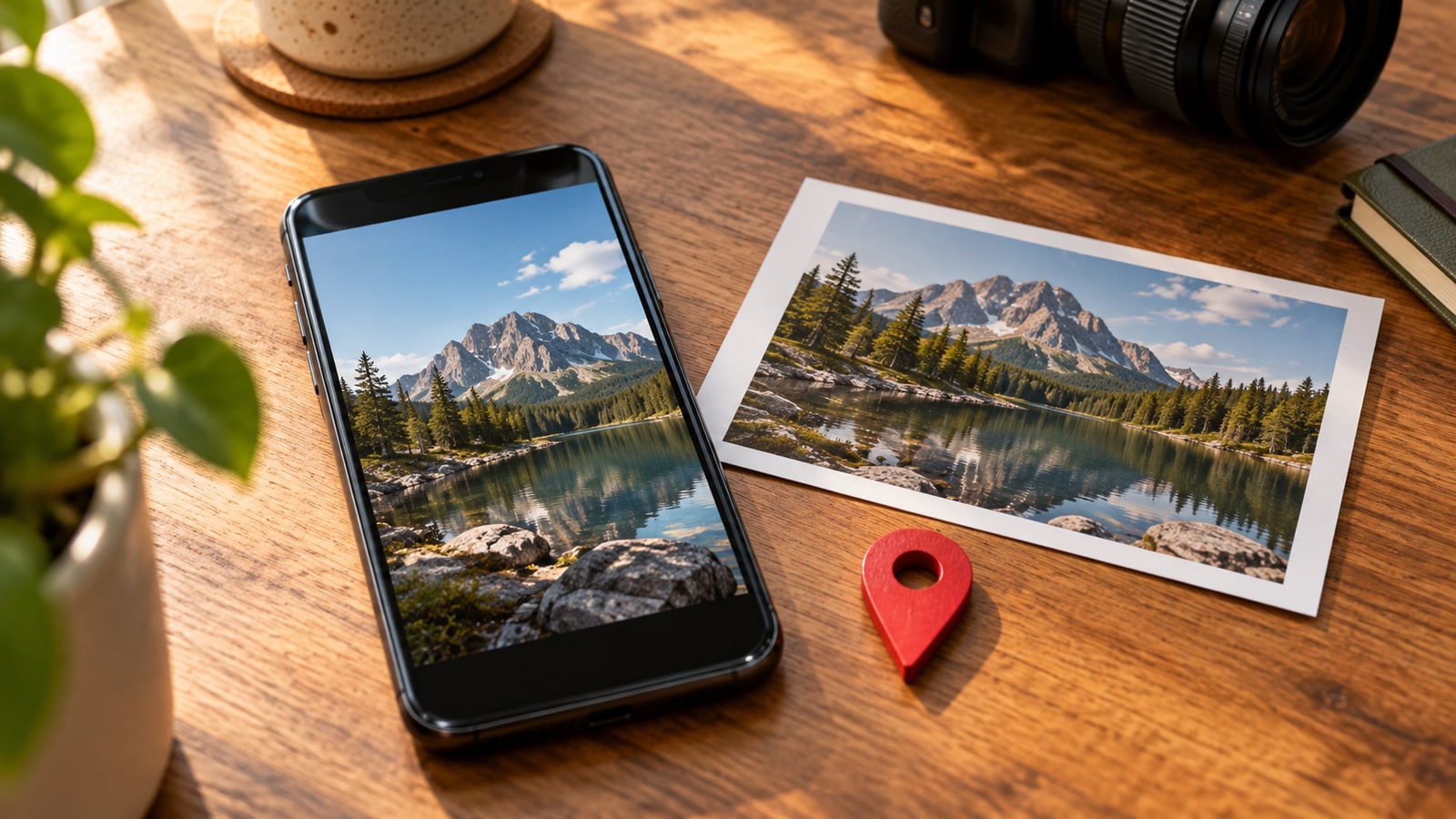
A photo can carry more than pixels. Learn what EXIF metadata reveals, how to check location data, and how to prepare a more private copy before sharing.
Read article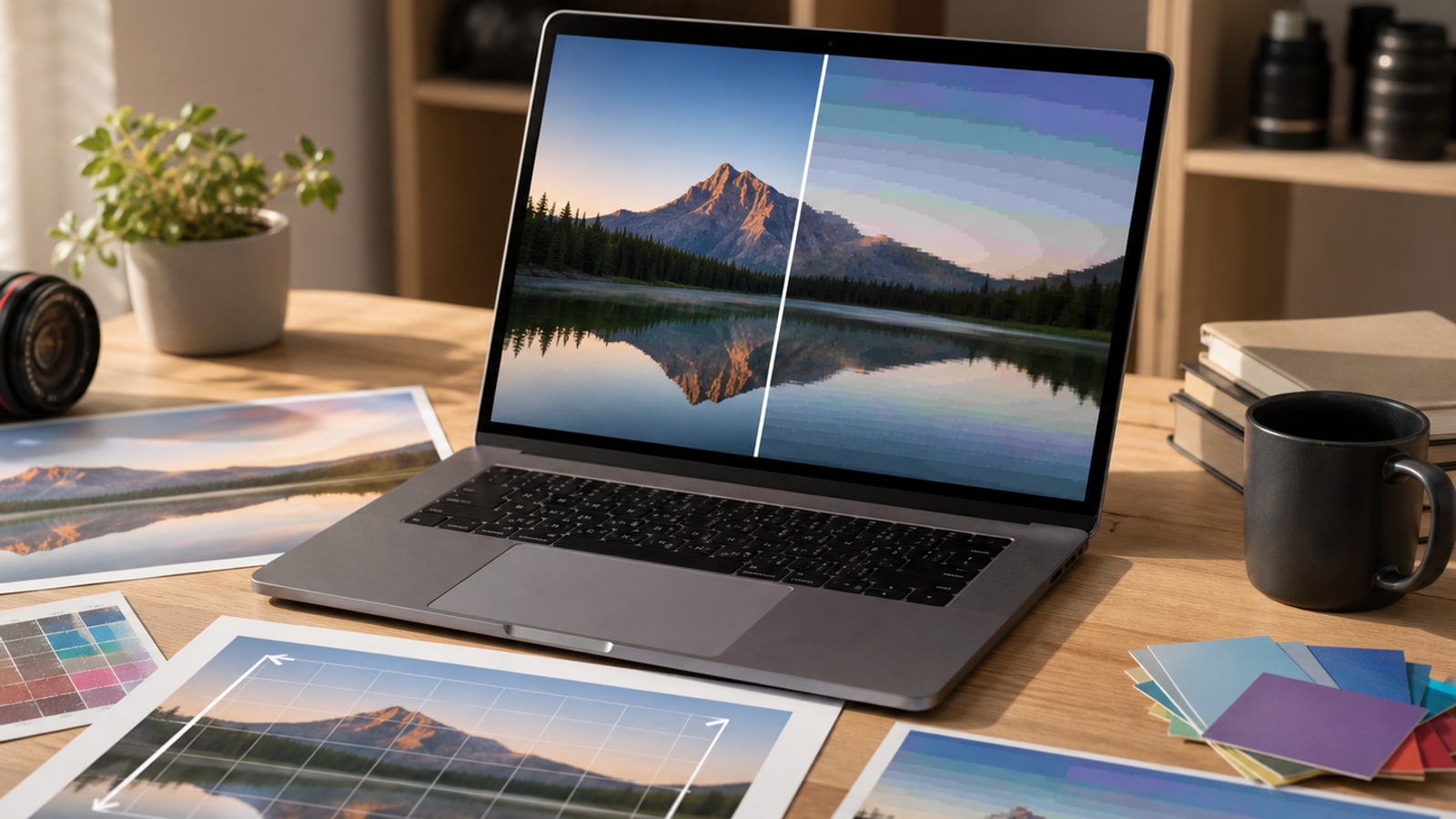
Learn the everyday JPEG mistakes that damage image quality: over-compression, repeated saves, bad resizing, color problems, and choosing JPEG for the wrong images.
Read article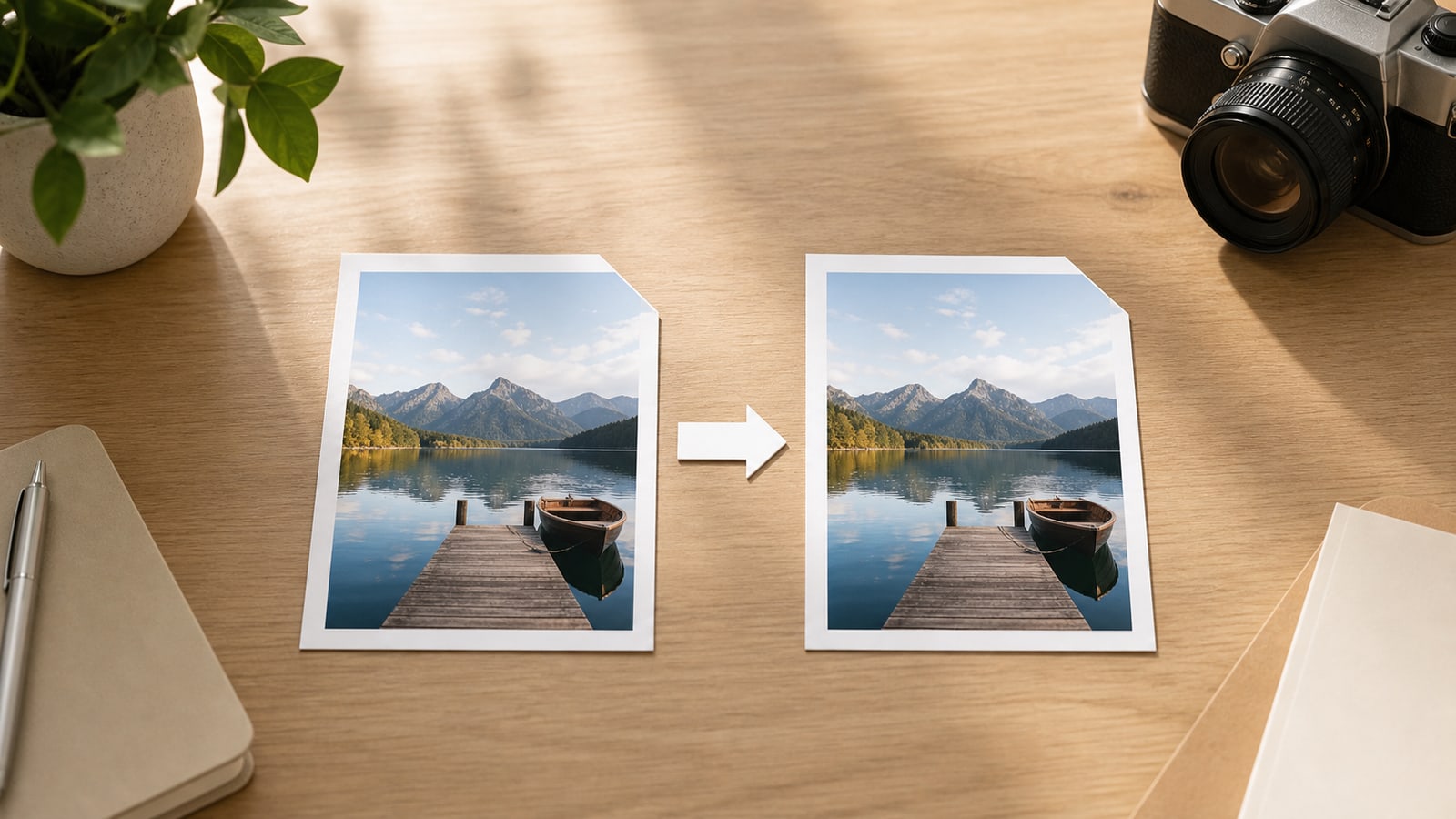
A practical explanation of when changing .jpeg to .jpg is only a filename change and when re-encoding can affect image quality.
Read articleThese answers are written to match what the tool actually does, so you can decide whether it fits your situation.
In most everyday cases, they refer to the same image format family. The difference people notice most often is the filename extension.
Not in the deeper re-encoding sense. This tool mainly helps you download the same file with a .jpg extension for compatibility-focused use cases.
No. Because the file is not re-encoded in this workflow, the image quality is not changed by the rename step itself.
No. This page is designed as a browser-based tool, so files stay on your device during the rename-and-download flow.
Yes. You can add multiple .jpeg files, review the queue, remove individual items, clear everything, or start a batch download.
Yes, as long as your browser supports standard file picking and downloads. The exact download experience can vary a little by browser and device.
Some validation rules, integrations, or legacy workflows check the extension literally and only allow .jpg, even though the underlying image type may otherwise be fine.
Yes, in the sense that this workflow does not strip or rewrite the file content. If you need metadata removal, use a tool that actually reprocesses the image.
No. The page is built as a simple frontend-only tool with plain browser behavior.
There is no special limit added by this page, but your browser and device memory still matter when handling very large files or many files at once.
This page is focused on the common JPEG to JPG direction. The same general idea can work in reverse, but that flow is not the focus of this interface.
No. To keep the project lightweight and dependency-free, batch download starts individual downloads instead of building a ZIP archive.
This tool is meant for files ending in .jpeg. If your file already uses .jpg, you usually do not need this rename step.
Use a dedicated image editor or converter if you need resizing, compression, cropping, metadata removal, or a true change to another format like PNG or WebP.
If your goal is just compatibility with the .jpg extension, local browser processing is often faster and more private because there is no upload step.
Add your .jpeg files, review the new names, and download the .jpg versions you need for compatibility-focused workflows.
Open the converter